Discover 50 practical ways to use AI with clearer requests, smarter tool choices, and fewer wasted attempts—without sacrificing the quality of your results.
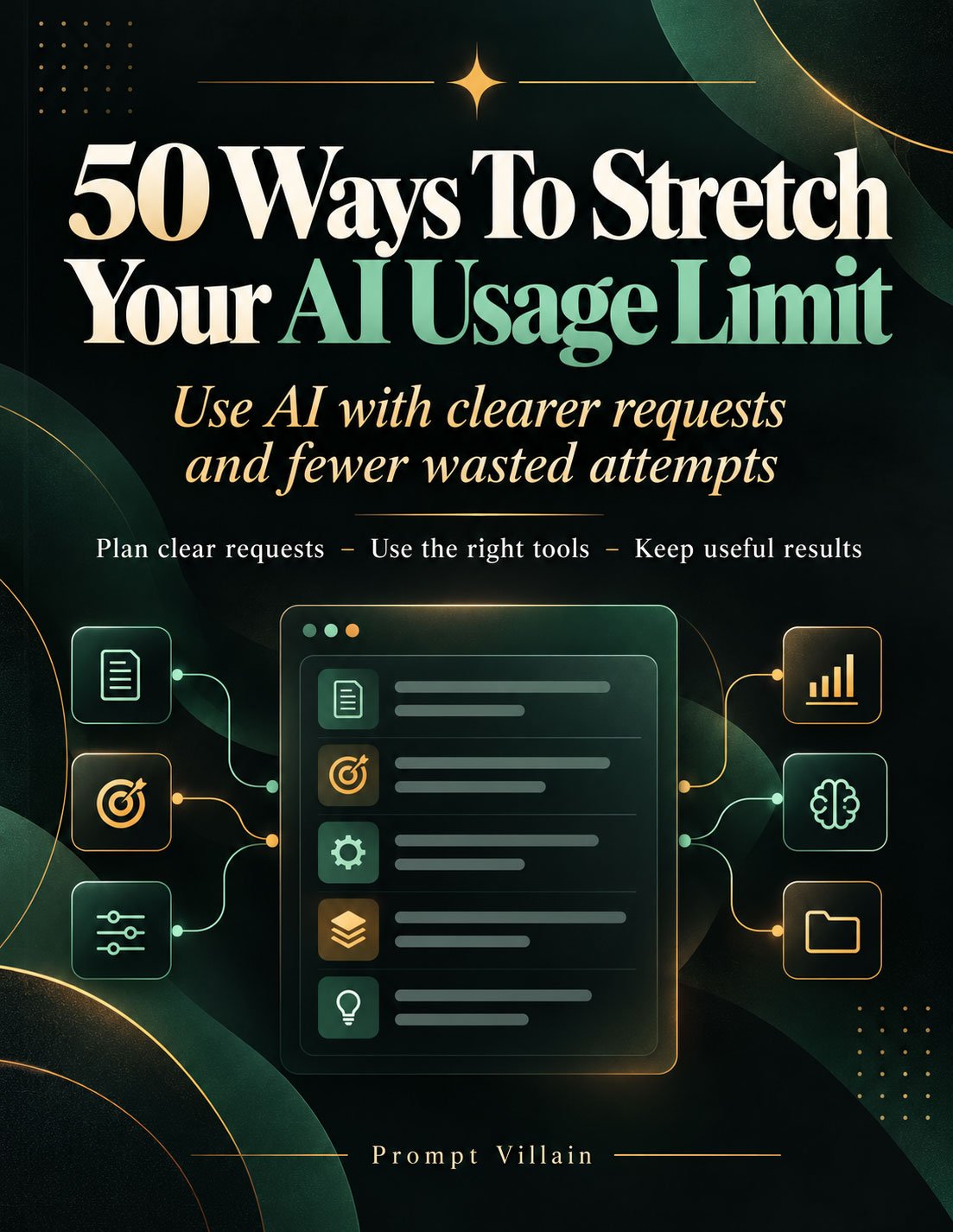
A 152-page practical field guide from Prompt Villain.
Plan clear requests. Use the right tools. Keep useful results.
Your AI Usage Limit Shouldn't Run Out Before Your Work Gets Done.
You open ChatGPT, Claude, Grok, or another AI assistant with a project in mind.
Maybe you're writing a sales page, creating images, researching a business idea, reviewing documents, or building a digital product.
You send your first request.
The AI responds.
But something isn't right.
The format is wrong. The answer is too long. It misunderstood your instructions. It used an outdated file. Or it created something completely different from what you wanted.
So you try again.
And again.
You rewrite the instructions. Request another version. Ask it to fix things that should have been clear from the beginning.
Meanwhile, your available AI usage keeps getting consumed.
Before long, you're staring at a usage warning, waiting for a reset, or considering whether you need a more expensive plan.
And here's the frustrating part:
A surprising amount of that work may have been avoidable.
Not because AI is perfect.
Not because every request should succeed the first time.
But because the way you prepare, organize, and manage your AI work can make an enormous difference in how much unnecessary effort you create.
The Solution Isn't Always More AI. Sometimes It's a Better Way to Use What You Already Have.
That's why we created:
50 Ways to Stretch Your AI Usage Limit
Use AI With Clearer Requests and Fewer Wasted Attempts.
This practical guide gives you 50 specific methods for making better use of your existing AI tools.
It shows you how to prepare before you prompt, choose suitable models and settings, handle files more efficiently, protect work you've already completed, and recognize when another AI request isn't necessary.
The goal is simple: get more useful work from your available AI usage by eliminating avoidable waste.
You don't need to become a programmer.
You don't need advanced prompt-engineering knowledge.
And you don't need to learn an entirely new AI platform.
You need practical habits that fit into the work you're already doing.
This guide shows you how to build them.
50 Practical Methods. Real Workflows. No Magic Prompts Required.
This isn't a collection of vague suggestions telling you to “be more efficient.”
Each method explains an actionable practice, demonstrates how to use it, and explores when it makes sense.
The 50 methods cover the most common sources of wasted AI effort.
1. Get Your Requests Right Before You Press Enter
Many unnecessary AI exchanges begin before the first message is sent.
You know what you want—but the important details are scattered across your thoughts, documents, and previous conversations.
The guide teaches you how to:
- Prepare a simple six-field task intake before using AI.
- Reuse prompts that have already produced useful results.
- Send one clear starting brief instead of gradually revealing requirements.
- Identify the intended audience and finished deliverable.
- Set useful output lengths and formats.
- Remove conflicting instructions.
- Request essential clarifications together.
Why spend five messages explaining a task when you could organize the necessary details before starting?
Better preparation won't eliminate every revision, but it can prevent avoidable false starts.
2. Choose the Right AI Resources for the Job
Not every task needs your most powerful model.
And not every task benefits from maximum reasoning effort.
A simple formatting correction and a complex technical review have very different requirements.
You'll learn how to choose:
The appropriate model. Match model capability to task complexity and the consequences of mistakes.
The right amount of thinking. Use stronger reasoning where it adds value rather than automatically applying maximum effort.
The necessary output length. Request enough detail to complete the task without producing pages of unnecessary material.
The relevant tools. Use web search, coding, file analysis, and other capabilities when the task actually requires them.
A sensible production size. Test a representative sample before generating a large batch that could contain the same mistake fifty times.
The objective isn't to use the smallest model or shortest prompt every time.
It's to use the resources that produce a reliable result without unnecessary work.
3. Stop Rebuilding Things That Are Already Almost Right
Here's an expensive habit in AI workflows:
You receive a 2,000-word document.
One paragraph needs improvement.
So you ask the AI to rewrite the entire document.
Now you're reviewing another 2,000 words, checking whether it changed something you previously approved, and possibly requesting even more corrections.
There is often a better approach.
This guide shows you how to:
- Change only the section that needs work.
- Protect approved wording and important facts.
- Combine related corrections into one organized request.
- Identify the current version of a document.
- Make targeted edits to code, writing, tables, and other materials.
- Diagnose failed attempts before repeating them.
Keep the good work. Fix the actual problem. Move forward.
Sometimes a complete rewrite is necessary.
But it shouldn't be your automatic response to every small problem.
4. Manage Files, Conversations, and Context More Intelligently
Your AI workflow can become inefficient when conversations grow unnecessarily, outdated files remain attached, and important information gets buried.
The guide explains practical ways to manage these problems.
You'll explore how to:
- Share only relevant document sections when appropriate.
- Identify the correct version of a source file.
- Remove duplicate attachments.
- Use text instead of screenshots when working primarily with text.
- Crop screenshots to the information that matters.
- Organize spreadsheet and data inputs.
- Know when to continue a conversation and when to start fresh.
- Create concise handoff notes for long-running projects.
- Keep permanent instructions focused and useful.
- Save valuable outputs for future projects.
The benefit goes beyond AI usage.
A cleaner workflow also makes your work easier to find, review, and reuse.
5. Avoid Expensive Creative Trial and Error
AI-generated graphics, videos, and multi-step projects can involve more than a simple text response.\
Repeated attempts can quickly consume available capacity.
The guide includes methods specifically addressing creative production.
Learn why it's worth:
Finalizing image requirements before generation. Decide the format, composition, wording, and essential details before requesting the finished graphic.
Starting with one visual concept. Test the direction before producing multiple variations.
Planning video before production. Establish the intended result and structure before committing resources to generation.
Setting limits on repeated attempts. Recognize when a failed process needs diagnosis rather than another identical request.
If you create marketing graphics, product images, educational materials, or digital content, these habits can be especially useful.
The best way to avoid unnecessary revisions is to catch important decisions before production begins.
6. Understand Where Your AI Allowance Actually Goes
You can't improve a workflow effectively if you don't understand what you're using.
Different AI services have different limits, measurement systems, tools, and extra-usage policies.
The guide helps you examine your actual usage rather than relying on assumptions.
You'll learn to:
- Read your provider's usage dashboard.
- Identify features that share an allowance.
- Review spending caps and paid extra-usage settings.
- Recognize unused recurring tasks.
- Avoid accidentally submitting the same work twice.
- Decide when waiting for a reset makes sense.
- Stop when the useful job is complete.
The objective isn't to use as little AI as possible. It's to stop using AI unnecessarily.
Every Method Gives You Something You Can Actually Try.
The guide uses a consistent, practical teaching approach.
LEARN
Understand the problem, why it creates unnecessary work, and when the method is useful.
PUT IT TO WORK
Follow specific steps and see example instructions you can adapt to your own projects.
A CLOSER LOOK
Explore important exceptions, limitations, and situations where the method needs a different approach.
This makes the guide useful both for people getting started with AI and for regular users who want more disciplined workflows.
You don't need to memorize all 50 methods.
Find the problem you're experiencing, learn the appropriate technique, and apply it to your next real task.
You Also Get a Practical Toolkit for Putting the Methods to Work.
The guide doesn't end after method number 50.
It includes additional resources designed to help you turn the advice into repeatable habits.
Your Seven-Day AI Efficiency Plan
A manageable first-week program that introduces small improvements one day at a time.
Practice preparing requests, making targeted edits, choosing suitable models, cleaning up source files, and reviewing your usage.
Reusable Six-Field Intake
A simple framework for defining your goal, reader, facts, format, requirements, and finish line before submitting an AI request.
Everyday Prompt Starters
Adaptable starting instructions for drafting, summarizing, creating checklists, comparing information, and generating focused ideas.
Prompt Starters for Careful Editing
Practical instructions for updating one section, grouping corrections, preserving facts, and managing ongoing projects.
Complete Worked Examples
Follow realistic demonstrations, including an email-writing workflow and a document repair task.
Source Checklist
Check that your materials, facts, references, and file versions are ready before sending them to an AI assistant.
Weekly AI Usage Review
Identify what worked, what required repeated attempts, and which habits are worth improving.
Quick Fixes and Plain-Language Glossary
Find starting solutions for common AI workflow problems and understand important terms without technical confusion.
Official Reference Sources
Consult the guide's references to provider documentation about usage, prompting, tools, and spending controls.
This isn't just something to read once. It's a reference you can return to whenever your AI workflow starts becoming inefficient.
What Could You Do With Fewer Wasted Attempts?
Imagine approaching your next project differently.
Instead of opening an AI conversation with an incomplete idea, you prepare the necessary facts first.
Instead of generating fifty items with an untested format, you approve a representative sample.
Instead of requesting an entire document rewrite, you identify the one section that needs repair.
Instead of repeatedly attaching old documents, you provide the current source.
Instead of choosing the strongest model automatically, you match the available capability to the task.
Instead of recreating a prompt that already worked, you reuse a tested version.
And instead of assuming every AI request costs the same, you start paying attention to your platform's actual usage rules.
These aren't complicated tricks.
They're small operational improvements.
And small improvements become especially valuable when you work with AI regularly.
Whether you use AI for a few everyday tasks or depend on it throughout your business, avoiding preventable rework can make your workflow more productive.
Who Is This Guide For?
Entrepreneurs and small business owners who use AI for marketing, operations, product development, customer communications, and planning.
Content creators and independent publishers who create articles, ebooks, images, videos, and other digital materials.
Freelancers and marketers who manage drafts, client revisions, campaigns, and repeated production tasks.
Students and everyday AI users who want to understand how to work more effectively within their available usage.
Frequent ChatGPT, Claude, and Grok users who regularly encounter usage limits or wonder whether they're using their available resources wisely.
If you have ever looked at an AI result and thought, “Now I have to do that all over again,” this guide was written for the kinds of problems you're facing.
You Don't Need to Use Every Method.
Some advice only applies to particular tools.
Some methods matter most when working with large documents, images, or complex projects.
Others are useful almost every day.
That's intentional.
A person writing occasional emails doesn't need the same workflow as someone producing hundreds of digital assets.
You can start with the methods that solve your most frequent problems.
If you often receive answers in the wrong format, start there.
If you repeatedly revise documents, work on targeted editing.
If your files and conversations become disorganized, improve your source management.
If you're unsure why your allowance disappears, begin with the usage review.
Choose the habits that solve real problems. Ignore the ones you don't currently need.
Frequently Asked Questions
Will these 50 methods guarantee that my AI allowance lasts longer?
No fixed savings are guaranteed. The methods help you identify and reduce avoidable work. Actual usage depends on your provider, plan, task, tools, model, and other factors.
Does this guide work with ChatGPT, Claude, and Grok?
Yes. Many of the methods apply broadly to text-based AI workflows. The guide also explains that certain settings and usage controls are provider-specific.
Do I need programming or technical knowledge?
No. The material explains concepts in plain language and includes practical examples.
Is this just another book of copy-and-paste prompts?
No. It teaches 50 methods for improving the entire AI workflow, from preparation and tool selection to revisions, source management, and usage reviews. Reusable prompt starters are included as supporting resources.
Will shorter prompts always use fewer tokens?
No. A short but unclear request can create more work. The guide emphasizes useful, complete instructions rather than making every prompt as short as possible.
Can these methods help with AI image and video creation?
Yes. Specific methods cover planning visual requirements, testing concepts, and preparing video work before production.
Does the guide explain AI usage limits and costs?
Yes. It explains basic terminology and practical ways to review usage dashboards, shared allowances, and spending controls. Because providers change their policies, readers should verify current rules directly.
Do I need to follow all 50 methods in order?
No. Start with the problem you want to fix. Each method can be studied individually, and the included seven-day plan offers a gradual starting point.
Here's What You Get Today
50 Ways to Stretch Your AI Usage Limit
A complete 152-page digital PDF guide, featuring:
- 50 practical methods for reducing avoidable AI workflow waste.
- Step-by-step applications and worked examples.
- Guidance for prompts, models, tools, documents, creative production, and usage management.
- A seven-day implementation plan.
- Reusable intake and prompt starters.
- Source preparation and weekly review checklists.
- Quick fixes, a glossary, and official reference resources.
Created by Cosmo Gazoo
Published by Mindzerk.com
A Prompt Villain Publication
Your AI Usage Is Valuable. Start Treating It That Way.
You don't control every AI service's limits.
You don't control how much processing each task requires.
And you can't eliminate every mistake, failed generation, or necessary revision.
But you can control how you prepare your work.
You can choose better starting instructions.
You can protect results worth keeping.
You can reduce repeated attempts that don't solve the underlying problem.
And you can build a more deliberate way of using the AI tools you already have.
50 Ways to Stretch Your AI Usage Limit gives you a practical system for doing exactly that.
No miracle shortcuts.
No promises of unlimited AI access.
Just 50 useful methods for making more intentional, productive use of your available AI resources.
Stop Wasting Attempts. Start Getting More Useful Work Done.
Get your copy of 50 Ways to Stretch Your AI Usage Limit today.
Plan clear requests. Use the right tools. Keep useful results.