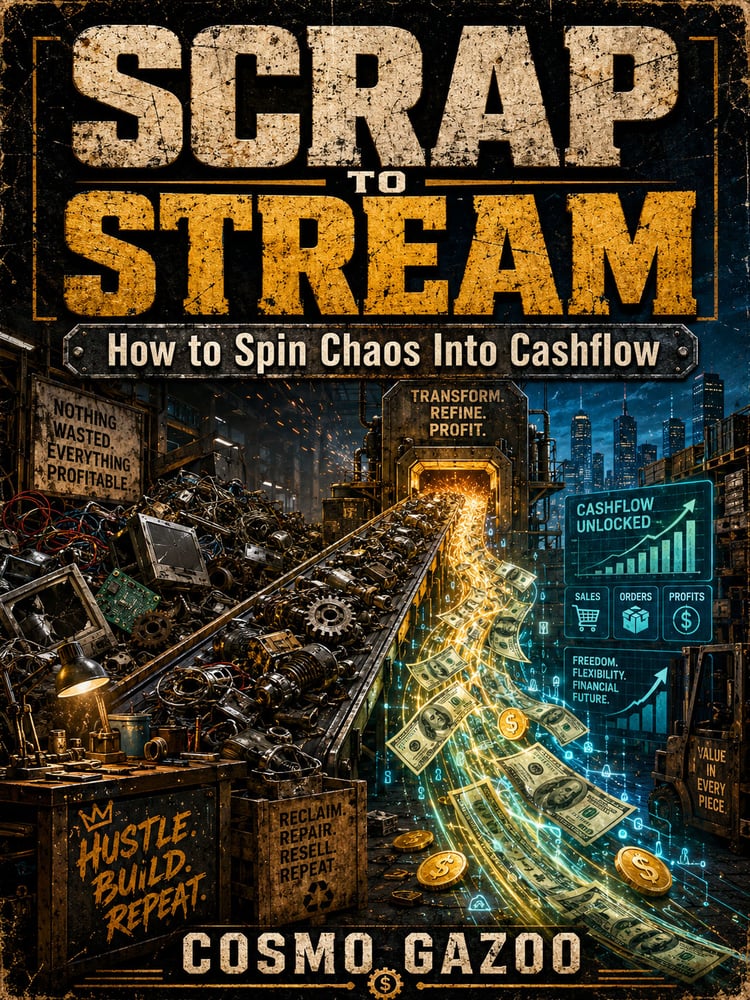
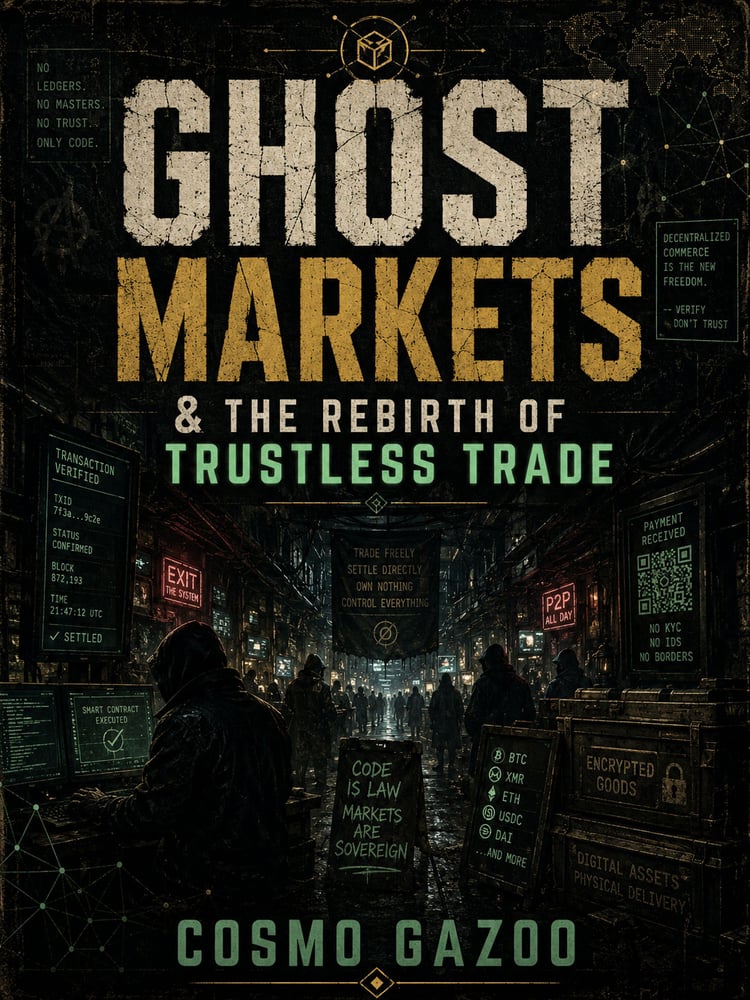
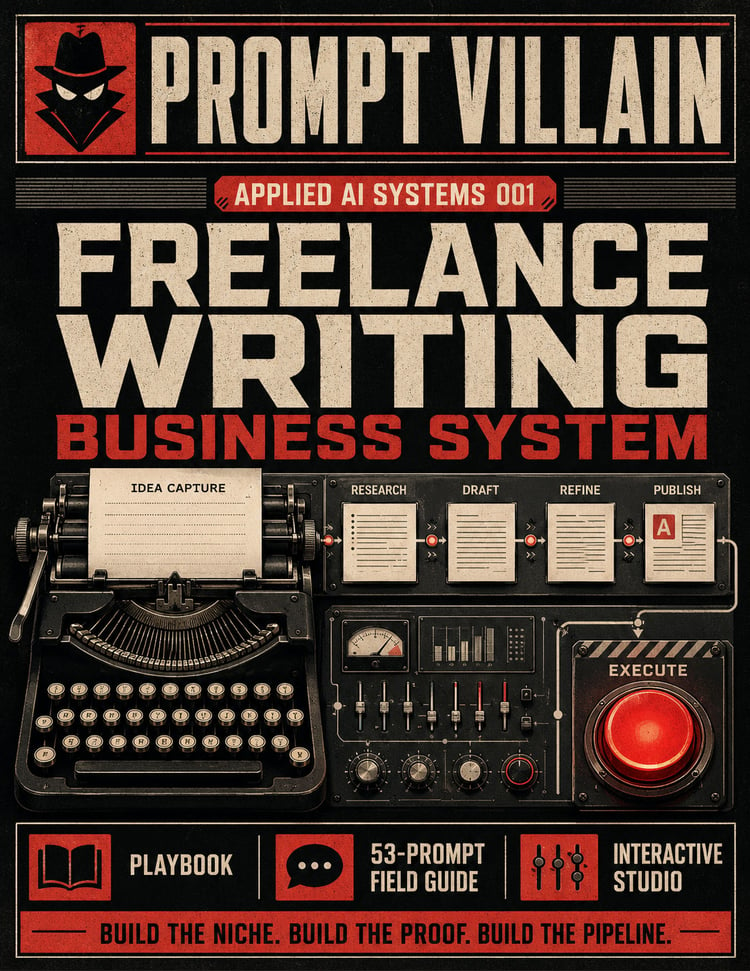
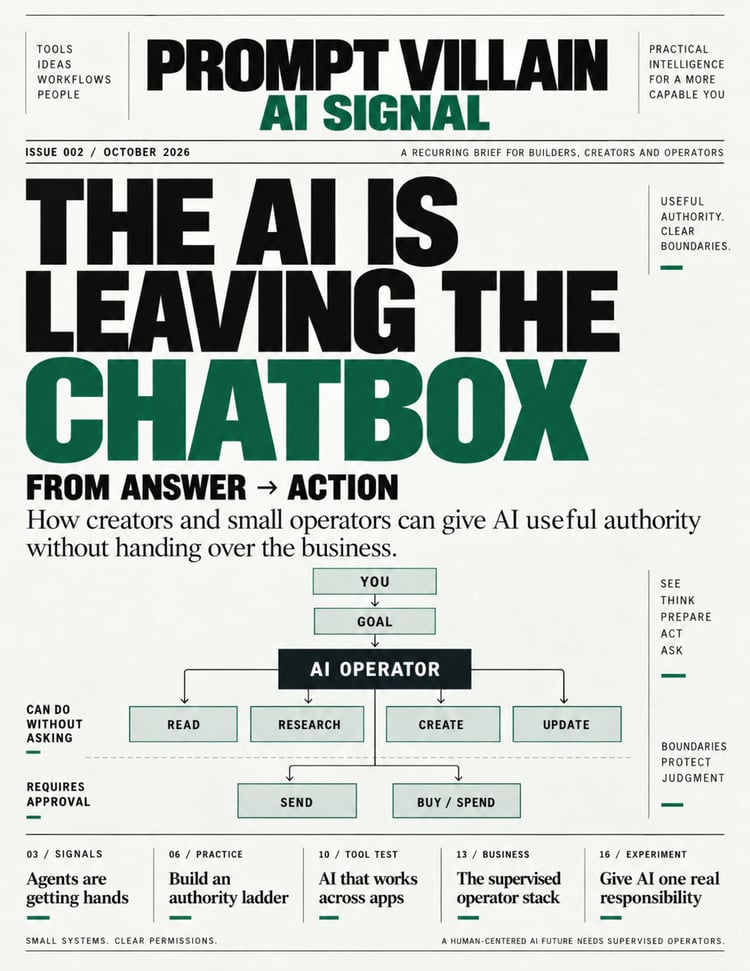
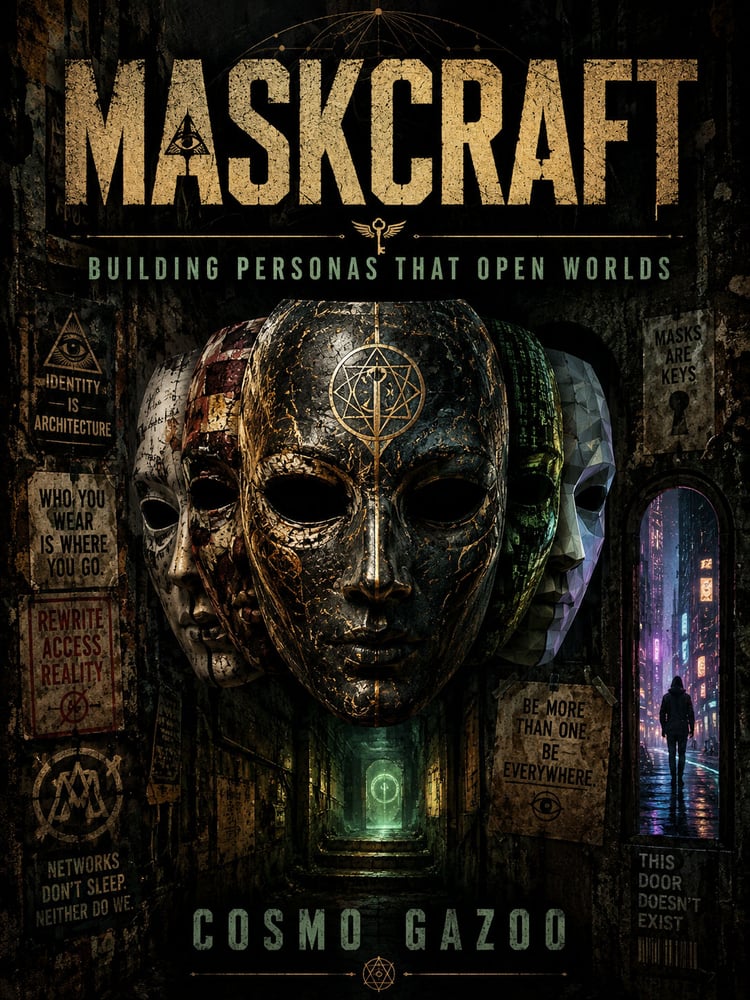
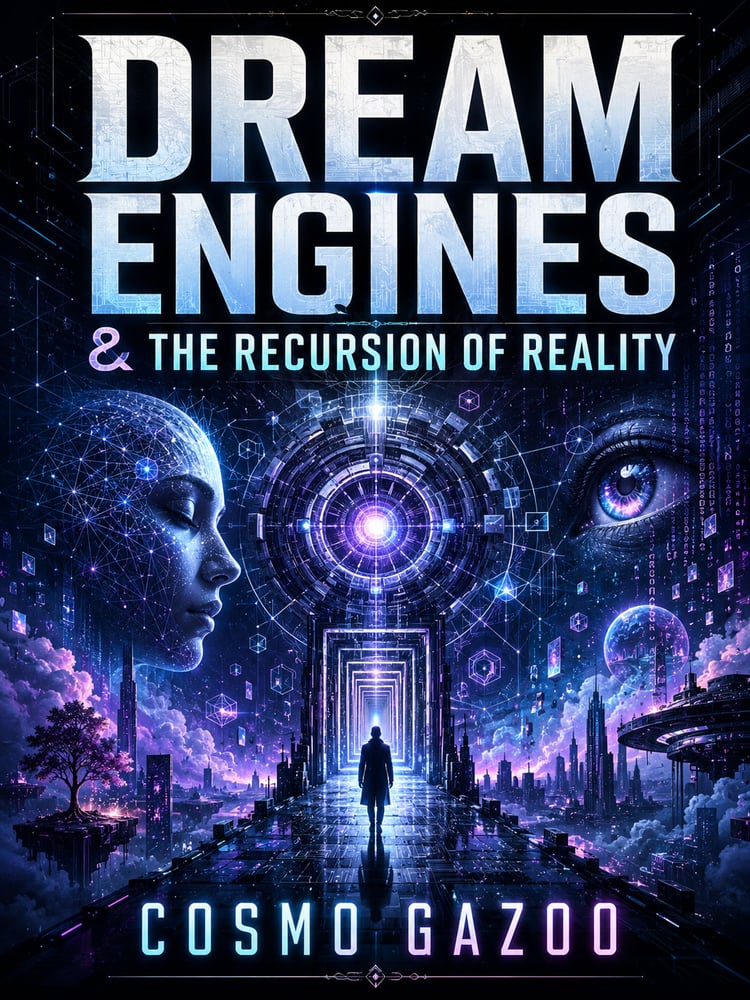
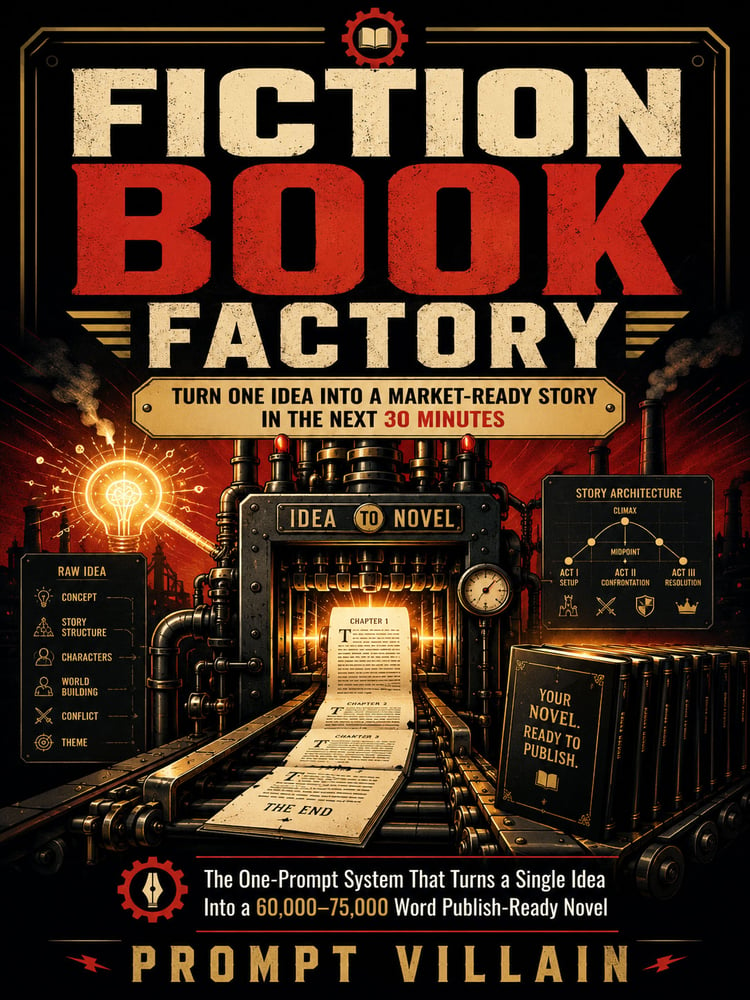
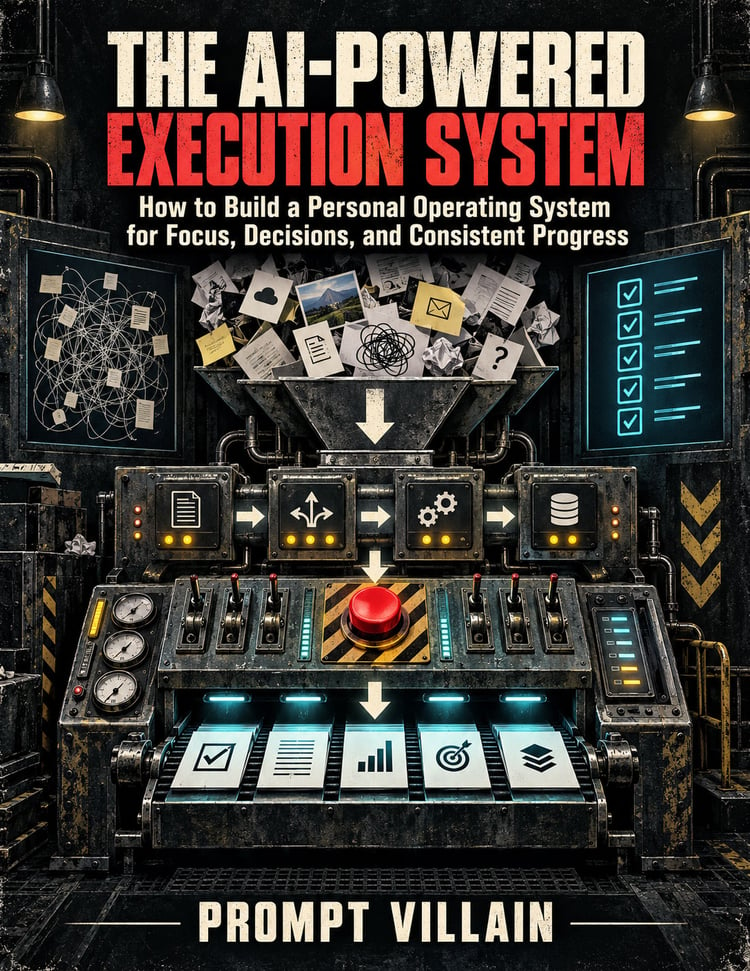
Stop struggling to create a new promotional design every time you need a different image size.
You've already done the hard work.
You created the product.
Designed the artwork.
Finished the cover.
Built the merchandise.
Now you need to promote it.
And suddenly, you're back at square one.
You need a square image for social media.
A vertical graphic for Pinterest.
A wide promotional image for your website or advertising.
Each format needs a different composition. Your original product needs to remain recognizable. Your headline needs to fit. And your call to action needs to stand out.
That's exactly what Product Promo Prompt Studio was built to simplify.
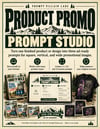
INTRODUCING PRODUCT PROMO PROMPT STUDIO
From Prompt Villain Labs
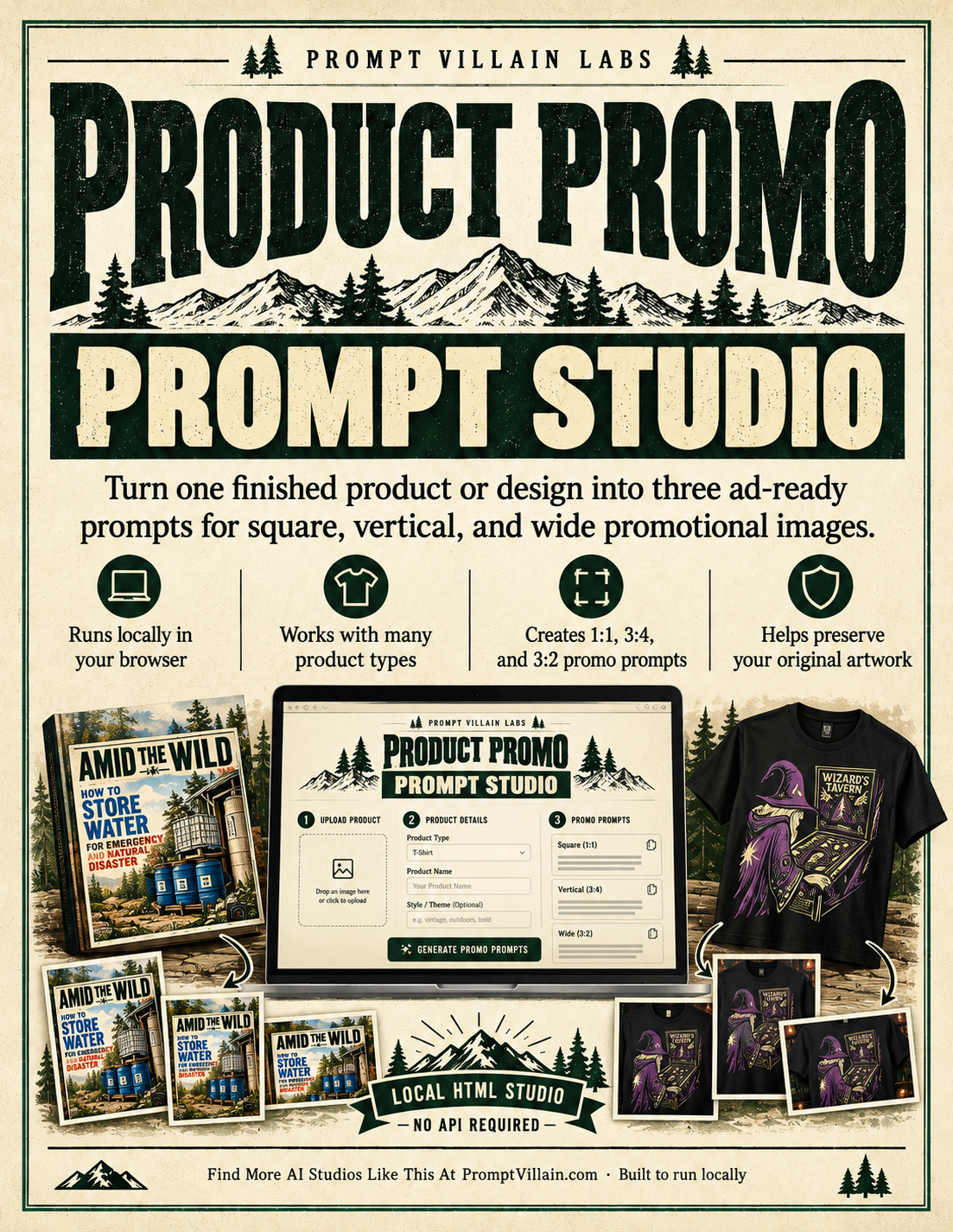
One product image. Three purpose-built AI image prompts.
Product Promo Prompt Studio is a lightweight, browser-based tool that transforms your product details and promotional message into three ready-to-use AI image prompts.
Each prompt is specifically designed for a different promotional format:
- 1:1 Square — Perfect for social posts, product announcements, and promotional graphics.
- 3:4 Vertical — Ideal for Pinterest pins, portrait promotions, and mobile-friendly campaigns.
- 3:2 Wide — Great for website graphics, social feeds, and promotional banners.
And here's the important part:
The studio doesn't simply tell AI to crop the same design three different ways.
It creates separate composition instructions for each format, helping your AI image generator produce a promotional graphic that actually belongs in that shape.
NOT JUST FOR BOOKS. NOT JUST FOR T-SHIRTS.
Use Product Promo Prompt Studio with all kinds of products:
✓ Books, reports, and magazines
✓ T-shirts and apparel
✓ Mugs and drinkware
✓ Posters, prints, and wall art
✓ Digital products, software, and templates
✓ Packaged physical products
✓ Bags, accessories, and merchandise
✓ Other finished products and designs
Whether you're promoting a digital report or a funny T-shirt, the studio adjusts its instructions to suit the product.
A shirt should look like a shirt.
A book should look like a book.
A mug should look like something someone could actually drink from.
Your product stays the hero. The promotional setting changes around it.
SEE WHAT ONE PRODUCT CAN BECOME
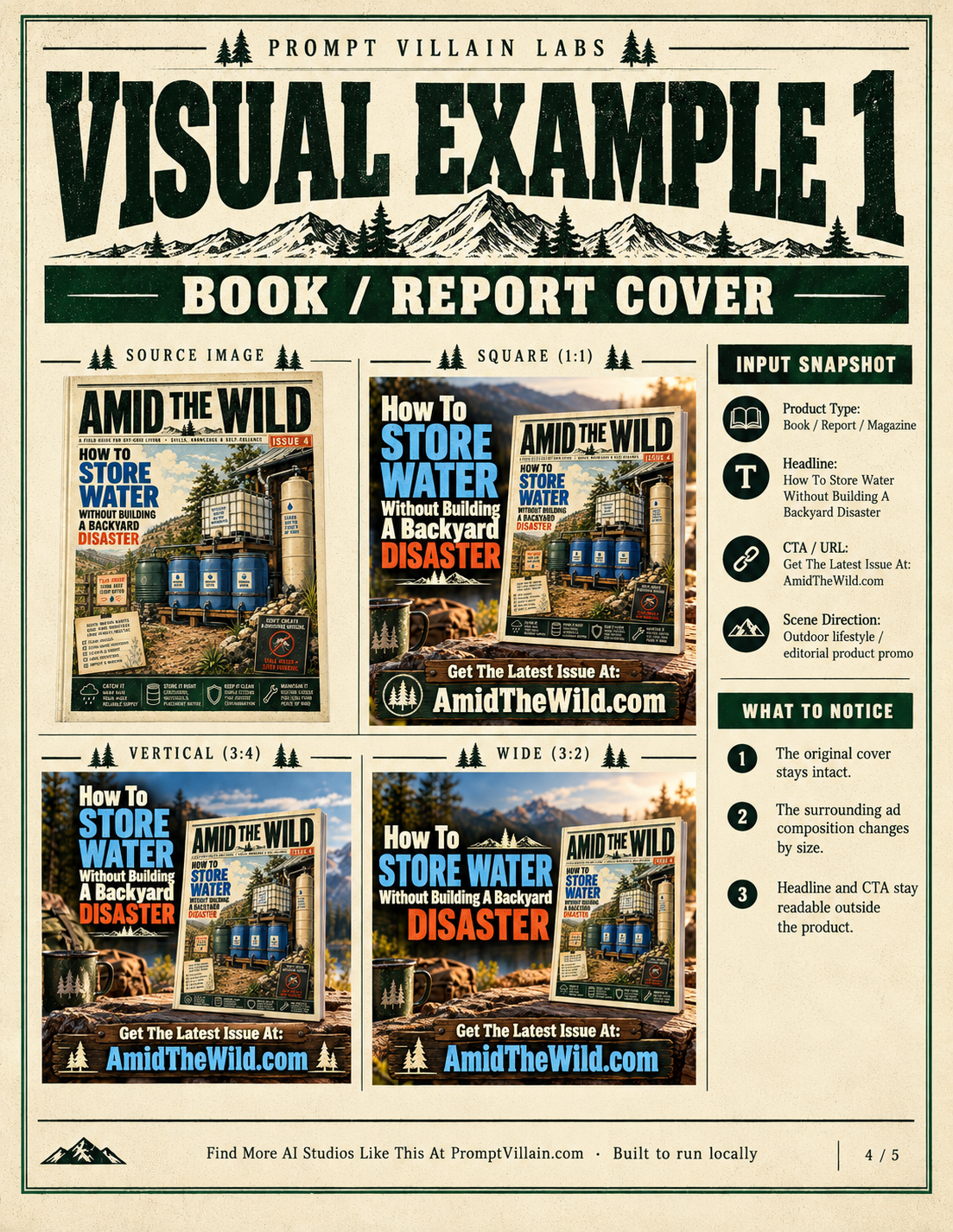
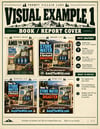
Example 1: From Book Cover to Promotional Campaign
Start with an existing book or report cover.
Enter your headline, promotional message, and website.
The studio prepares three different prompts for displaying that cover in suitable advertising compositions.
The result?
A coordinated set of promotional images that can feature your original cover in a realistic product mockup, surrounded by relevant scenery, strong typography, and a clear call to action.
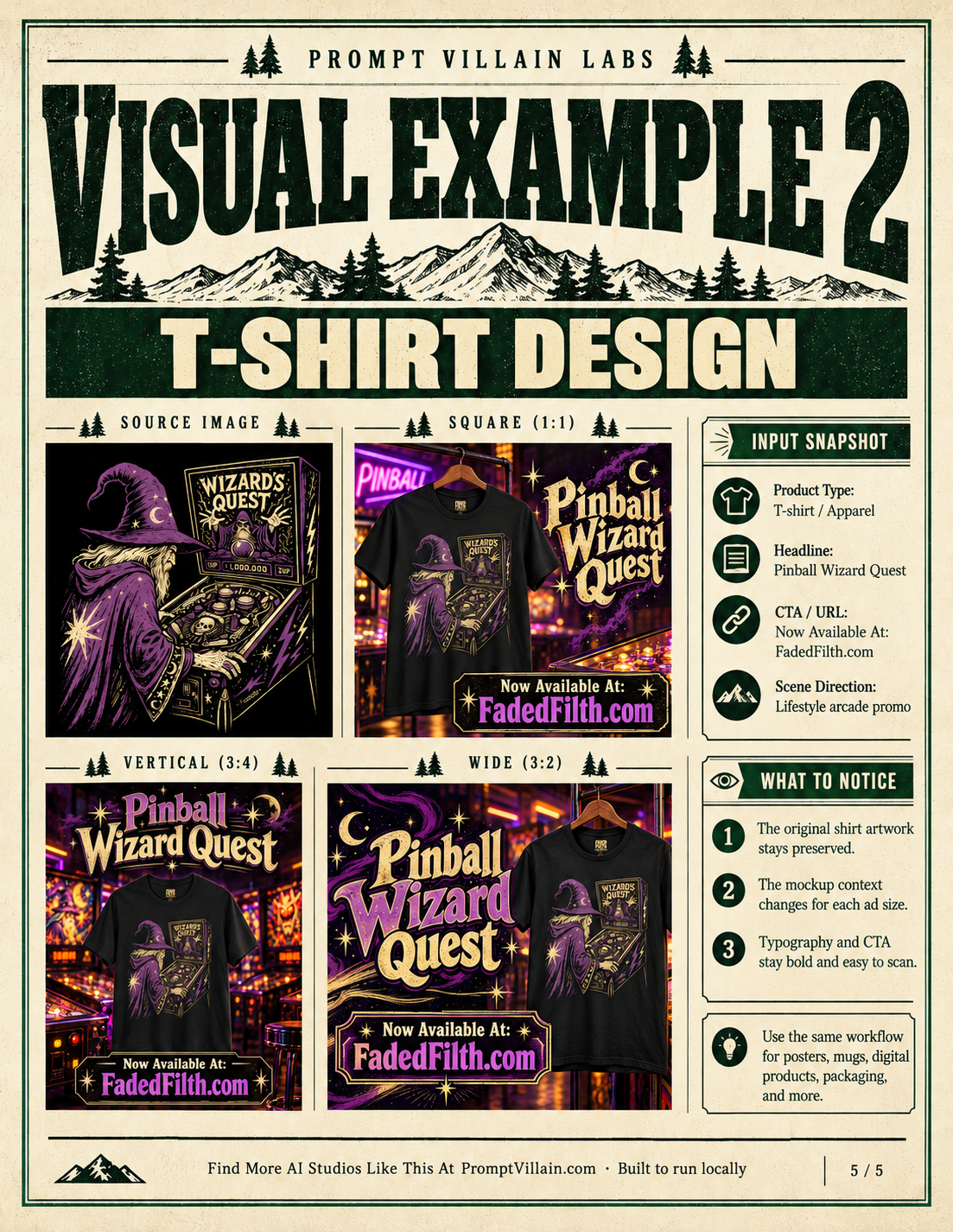
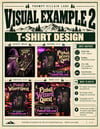
Example 2: From T-Shirt Design to Promotional Campaign
Start with your finished T-shirt image.
Choose the apparel category.
Enter your promotional headline and website.
Select a lifestyle or product-photography direction.
The studio prepares prompts for presenting that same shirt in three different promotional formats.
Instead of a plain product image sitting on an empty background, you can create a campaign with atmosphere, context, and personality.
Same product. Different presentation. More ways to promote it.
The included Quick Start Guide shows both complete examples, with the original source images and three finished promotional results for each.
HOW IT WORKS
Five simple steps. No complicated setup.
STEP 1 — Load Your Product Image
Choose an image of your finished product or artwork. It previews directly inside the studio.
STEP 2 — Choose Your Product Type
Select the category that best describes what you're promoting.
STEP 3 — Add Your Product Details
Enter an optional product name and any important details you want the AI to respect.
STEP 4 — Enter Your Promotional Copy
Add your headline, call to action, and website address. Choose a suitable scene direction.
STEP 5 — Generate Your Three Prompts
Click Generate 3 Prompts.
Your square, vertical, and wide promotional prompts appear instantly.
Copy the one you want, open your preferred AI image-generation chat, attach the original product image, and paste the prompt.
Then let your image generator create the promotional graphic.
No need to become a prompt engineer just to advertise your products.
BUILT TO KEEP YOUR PRODUCT LOOKING LIKE YOUR PRODUCT
One frustrating problem with AI-generated promotional images is that AI sometimes decides to redesign the very thing you're trying to advertise.
It changes your lettering.
Reinterprets your artwork.
Invents details.
Or makes your original design barely recognizable.
Product Promo Prompt Studio includes source-preservation instructions designed to discourage those unwanted changes.
It tells the image model to respect the original artwork, visible text, colors, product identity, and proportions while changing the surrounding promotional composition.
Your source image is the master asset—not an invitation to reinvent your product.
AI image generators can still make mistakes, so you should inspect every result before publishing. But the studio gives them clearer instructions from the beginning.
NO SUBSCRIPTIONS. NO API KEYS. NO COMPLICATED SOFTWARE.
Product Promo Prompt Studio is a standalone HTML tool.
That means:
✓ Runs locally in your browser
✓ No installation process
✓ No account required for the studio
✓ No API key needed
✓ No API charges from the studio
✓ No ongoing subscription for the studio
✓ Copy individual prompts or all three together
✓ Download your generated prompts as a text file
Open the HTML file in your browser, and you're ready to work.
Your product reference image stays on your device while you use the studio.
Important: The studio creates the prompts, not the finished images. You'll need access to an AI image generator that supports reference images. Any separate image-generation service requirements or charges are not included.
WHAT YOU GET
PRODUCT PROMO PROMPT STUDIO
The complete local HTML studio, featuring:
- Eight product categories
- Product name and description inputs
- Promotional headline, CTA, and URL fields
- Three scene directions
- Three format-specific prompt outputs
- Source-artwork preservation instructions
- One-click prompt copying
- Text-file export
BONUS: ILLUSTRATED QUICK START GUIDE
A five-page visual guide showing you how to open the studio, enter your product details, generate prompts, and create your promotional images.
Includes two complete worked examples:
Book / Report Cover: Original source plus square, vertical, and wide promotional examples.
T-Shirt Design: Original source plus square, vertical, and wide promotional examples.
Follow the examples, then repeat the process with your own products.
STOP REBUILDING YOUR PROMOTIONAL WORKFLOW.
If you sell digital products, merchandise, artwork, books, reports, or other creative products, you already know that creating the product is only part of the job.
You also need people to see it.
And that means promotional graphics.
But you shouldn't have to figure out a completely new AI image prompt every time you need another ad format.
Product Promo Prompt Studio gives you a simple, repeatable starting point.
One product.
One promotional message.
Three image formats.
And a much easier way to move from a finished product to promotional artwork.
PRODUCT PROMO PROMPT STUDIO
A practical AI prompt tool for creators, publishers, and online sellers.
Get instant access to the studio and illustrated Quick Start Guide.
[GET PRODUCT PROMO PROMPT STUDIO]
One-time purchase. Digital download.
No subscription required for the studio.
PROMPT VILLAIN LABS
Build useful things. Make better creative work. Keep control of your process.
Find More AI Studios Like This At PromptVillain.com
Built to run locally.